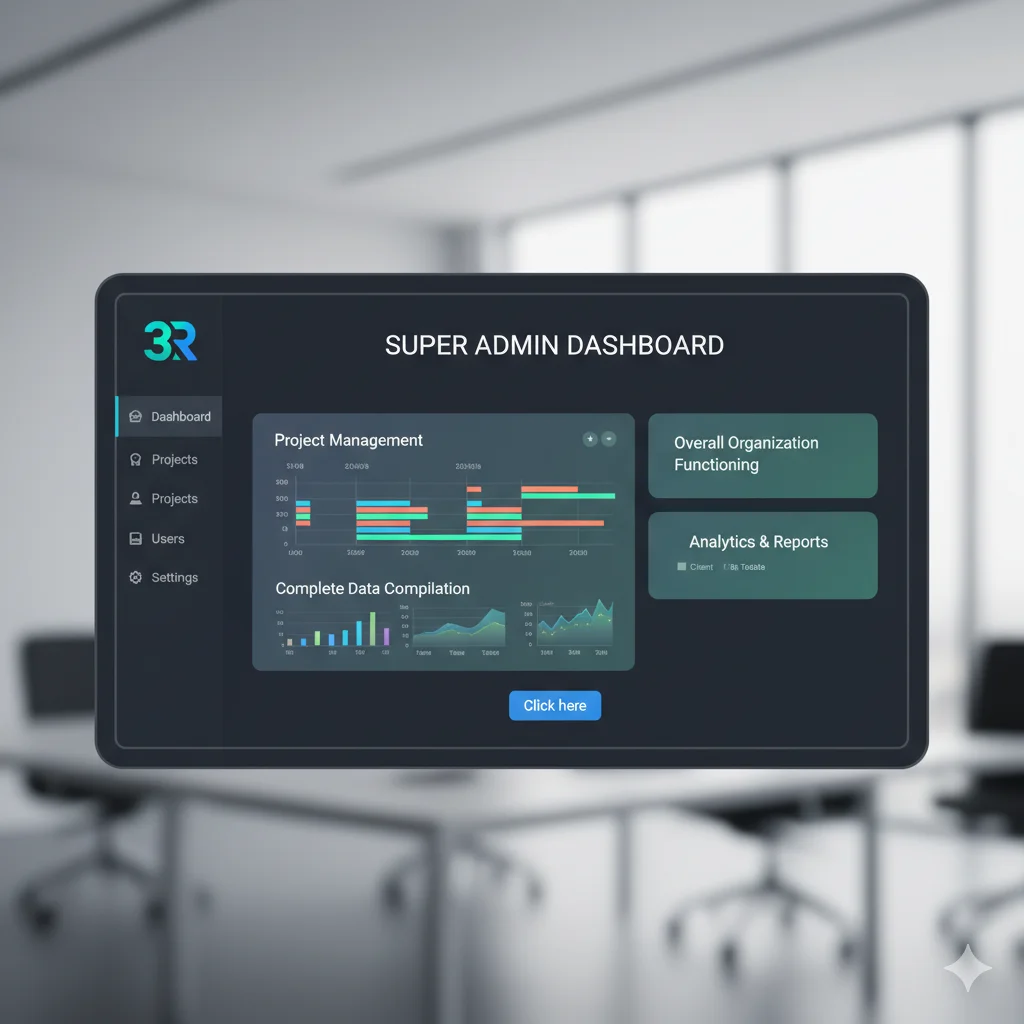
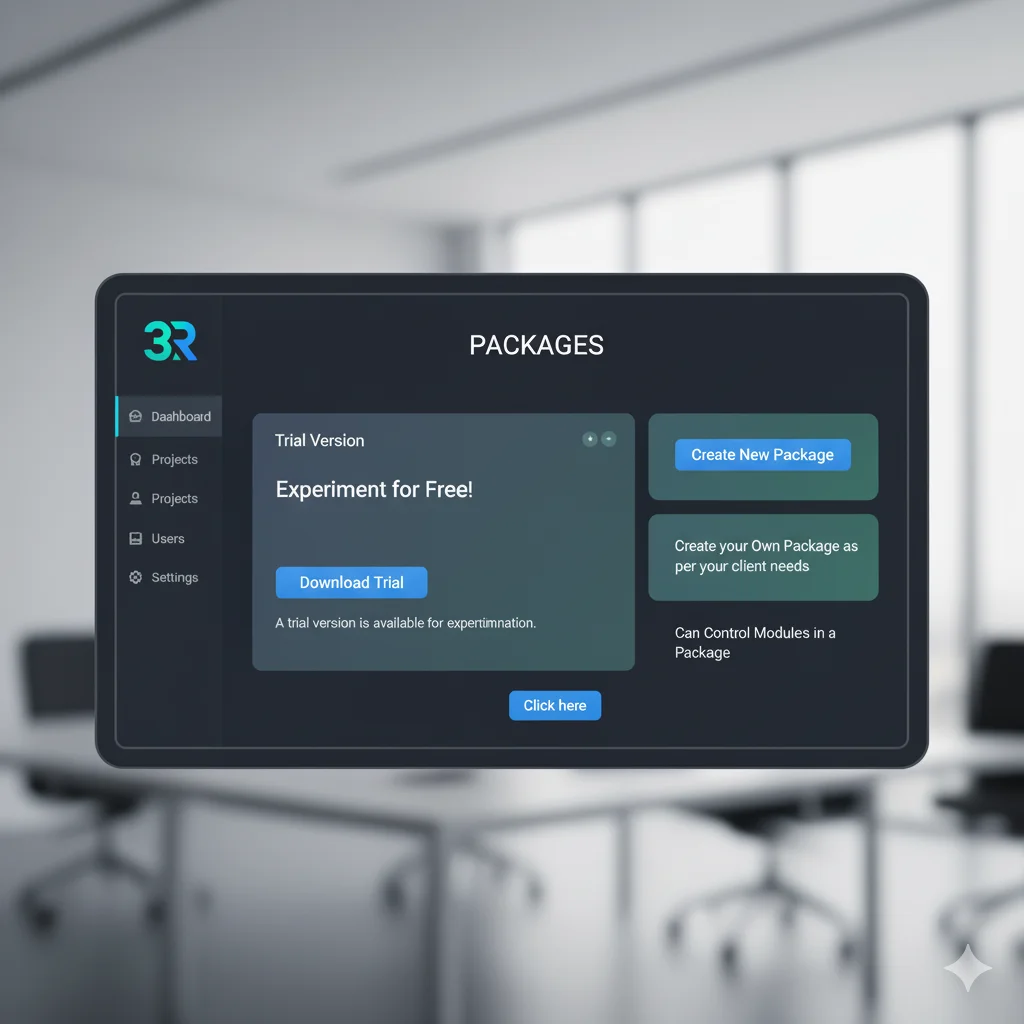
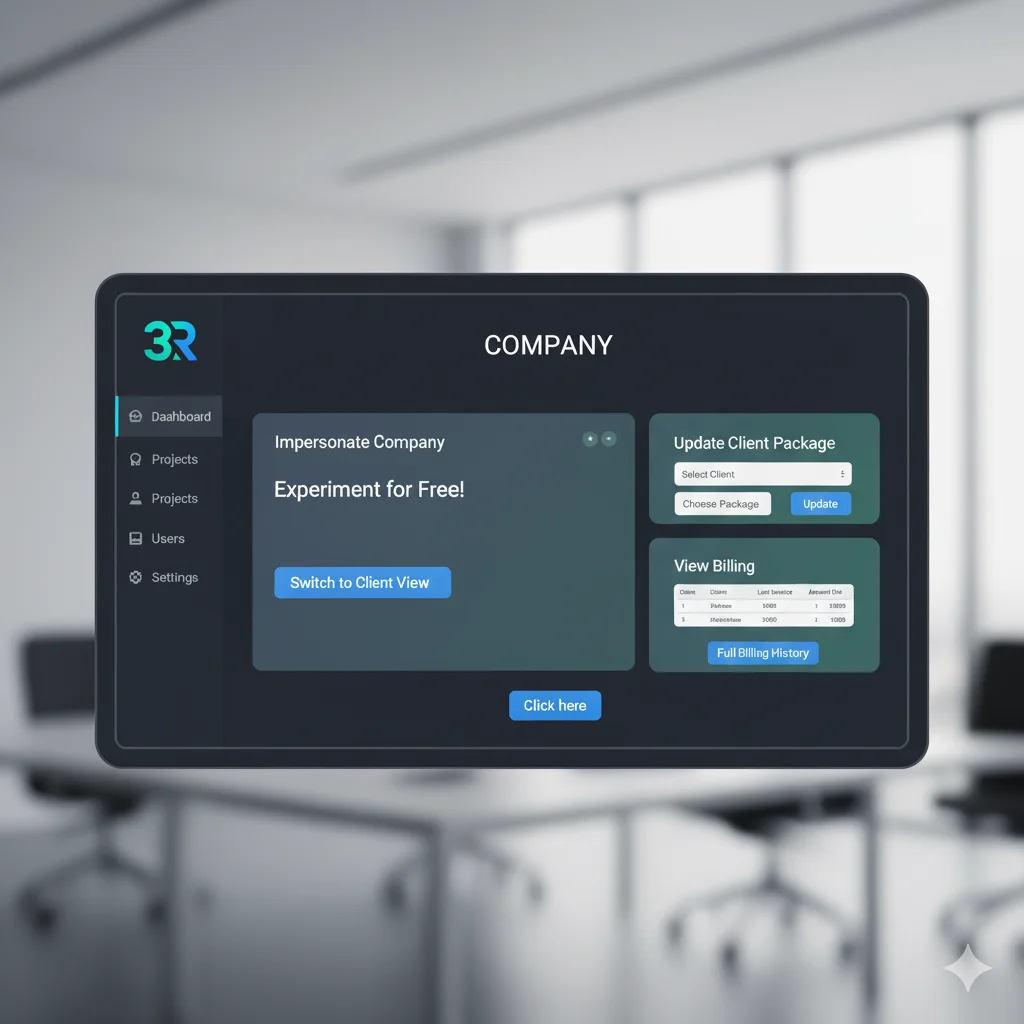
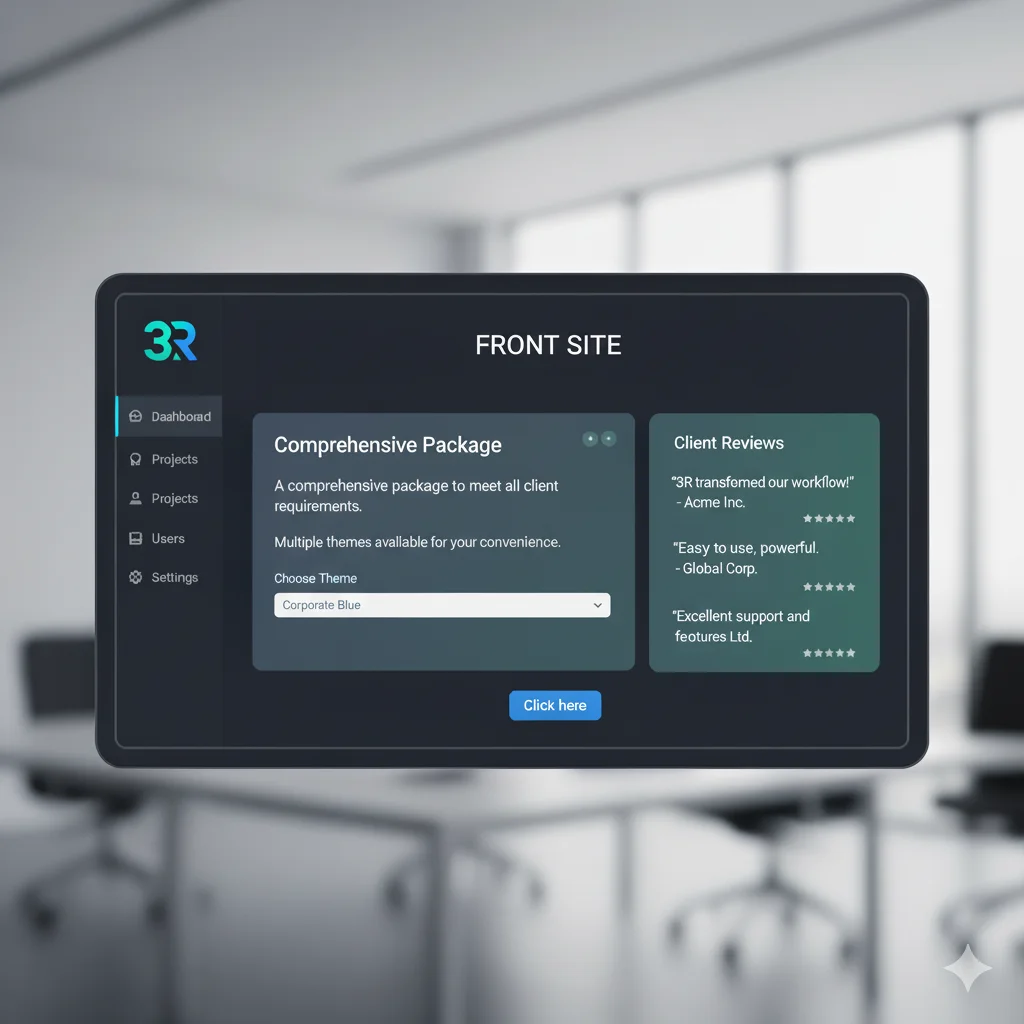
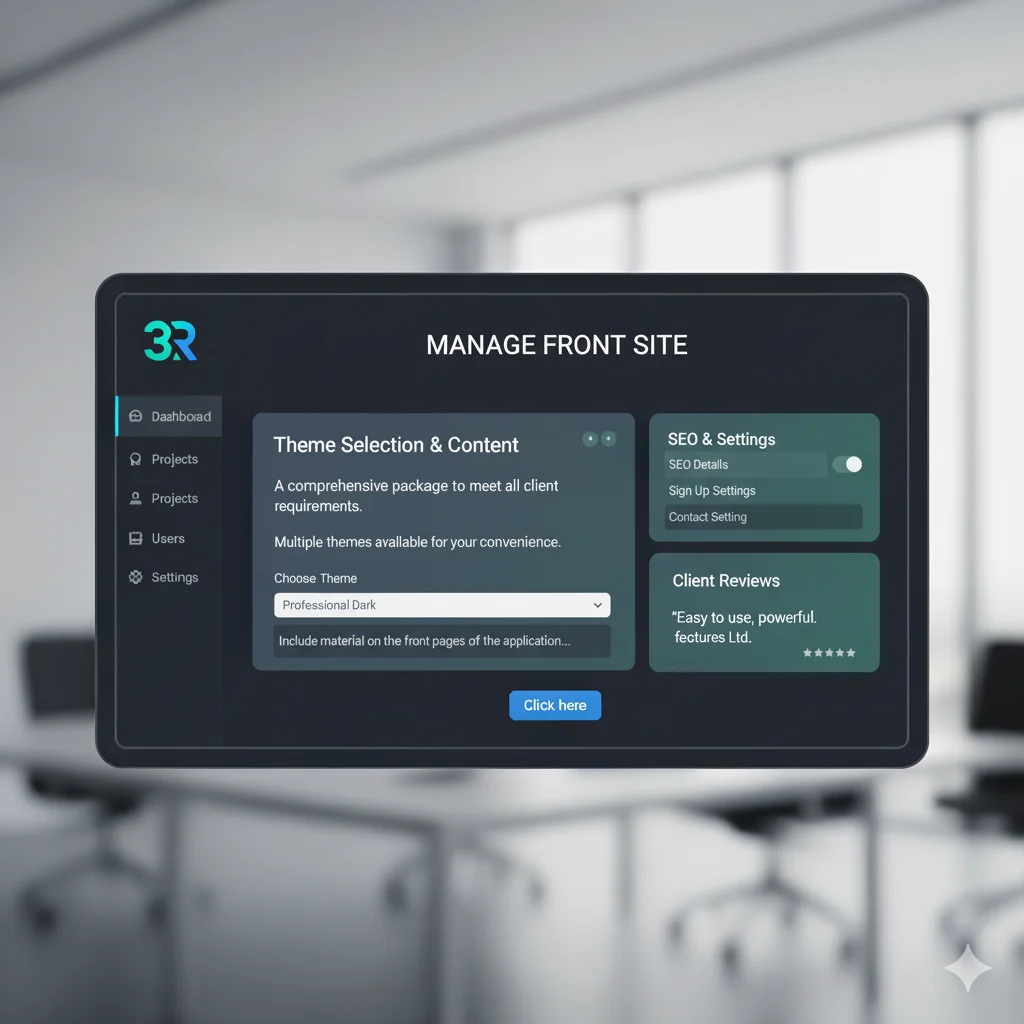
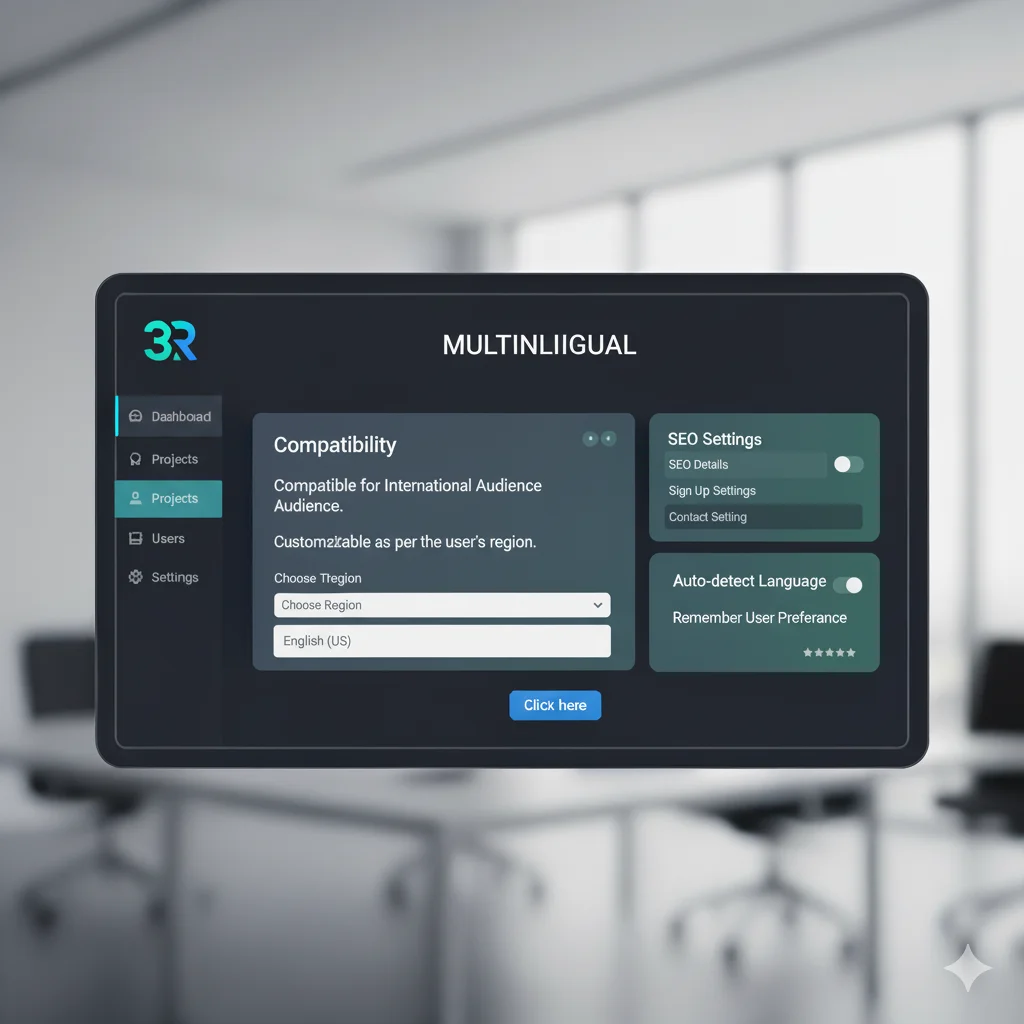
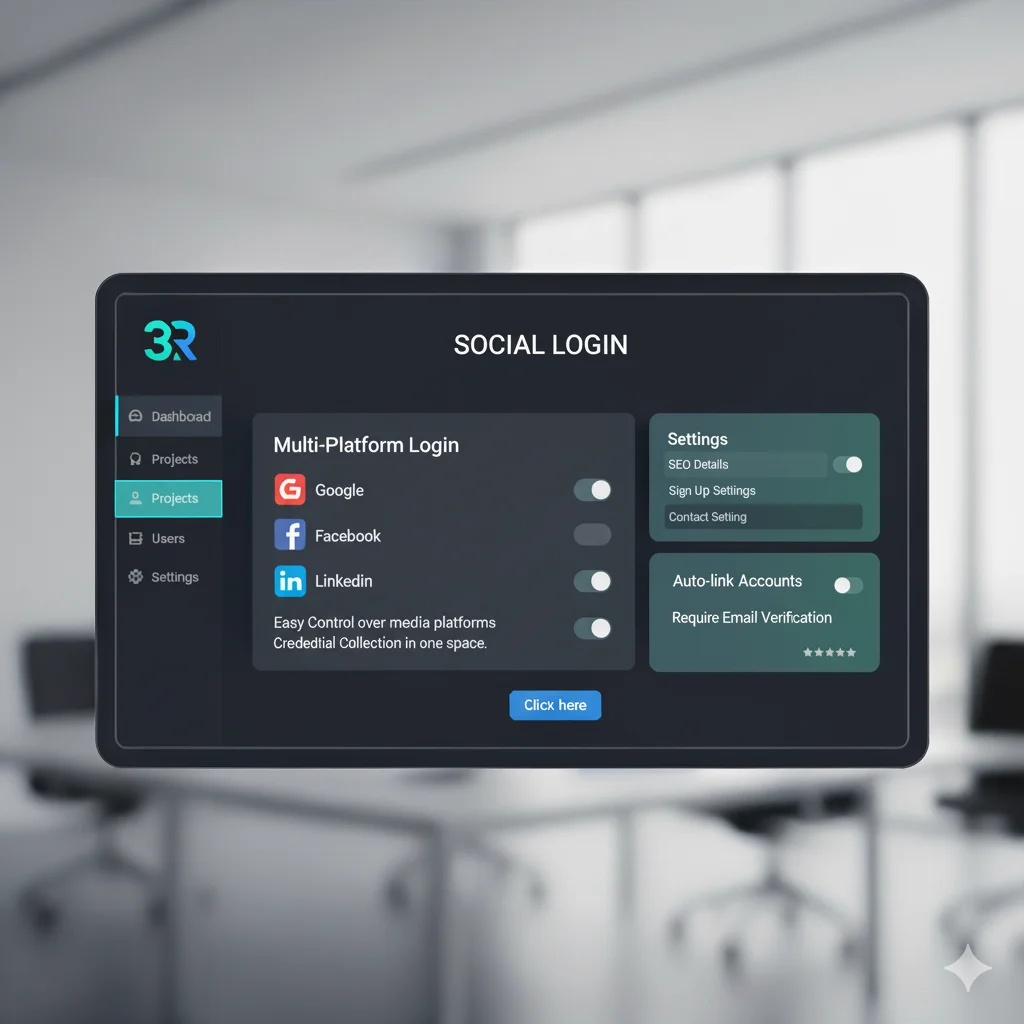
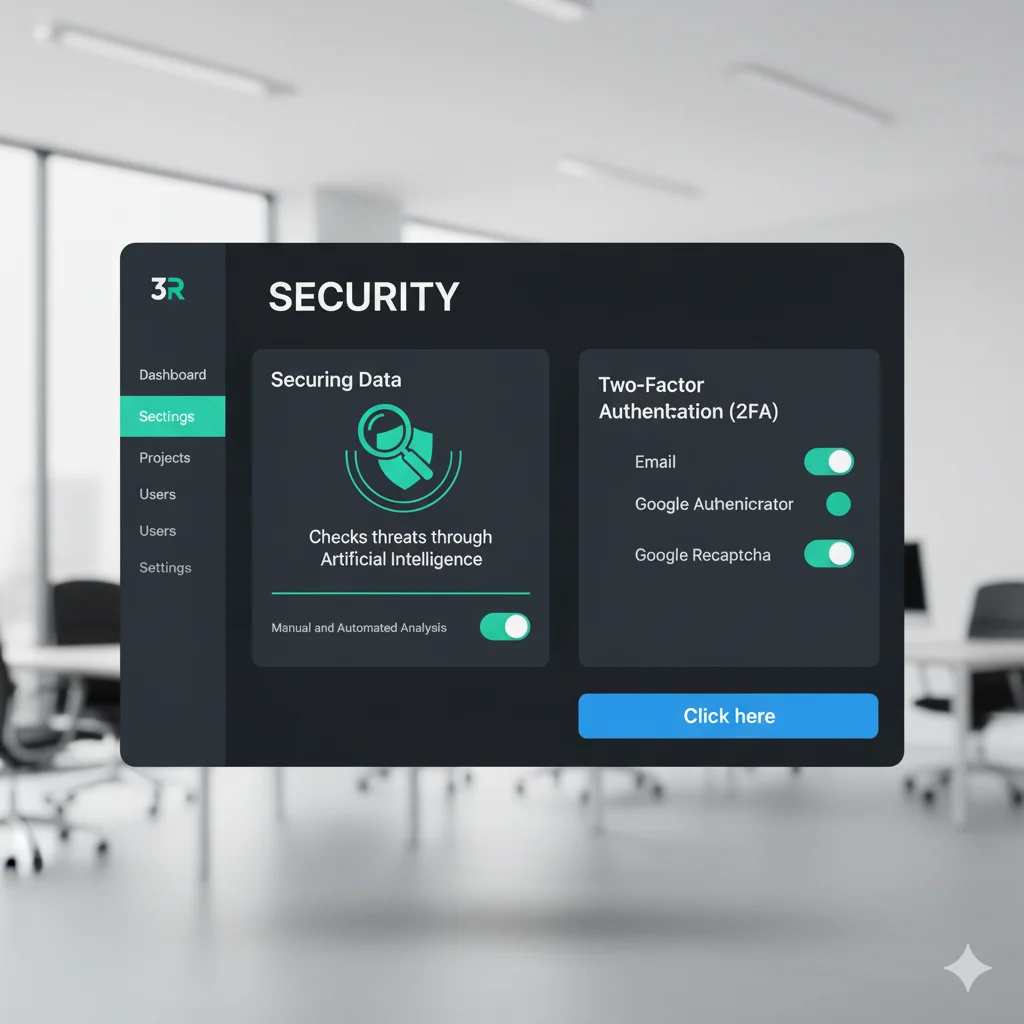
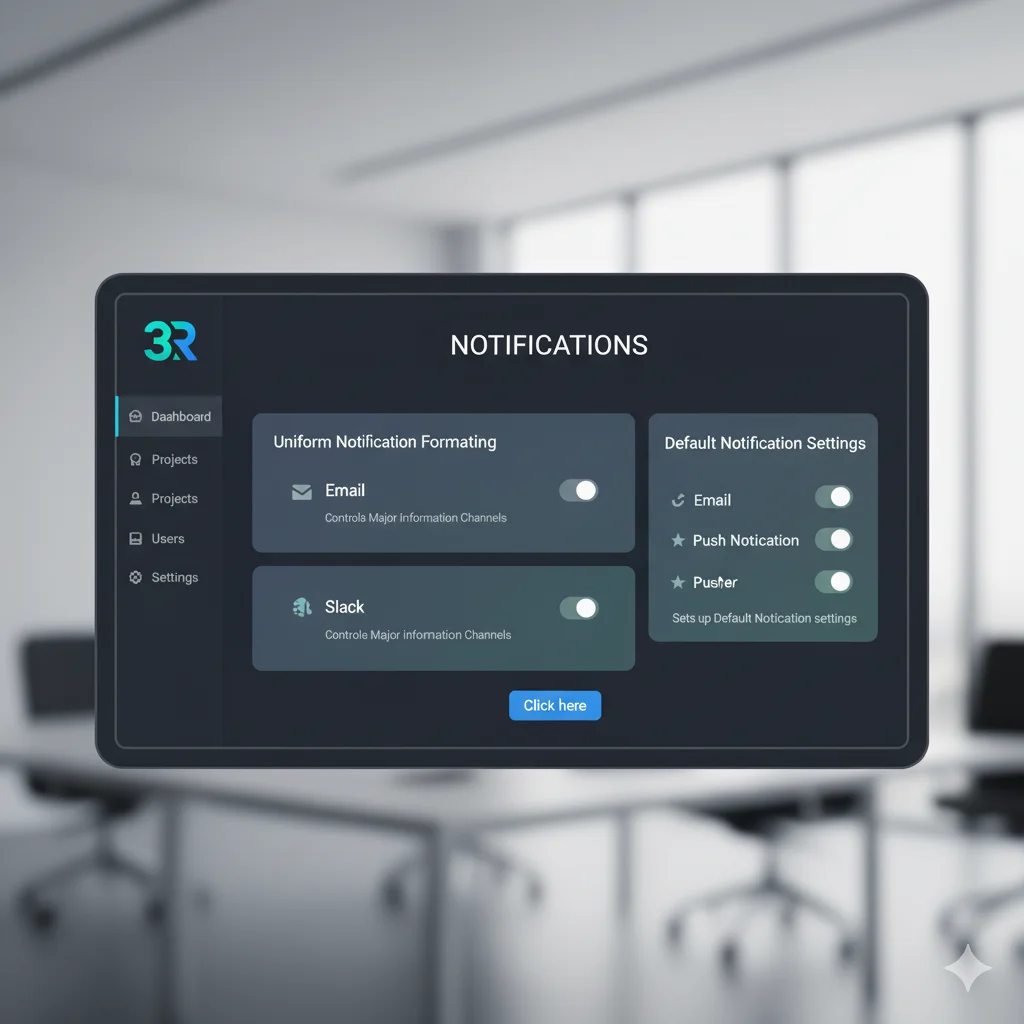
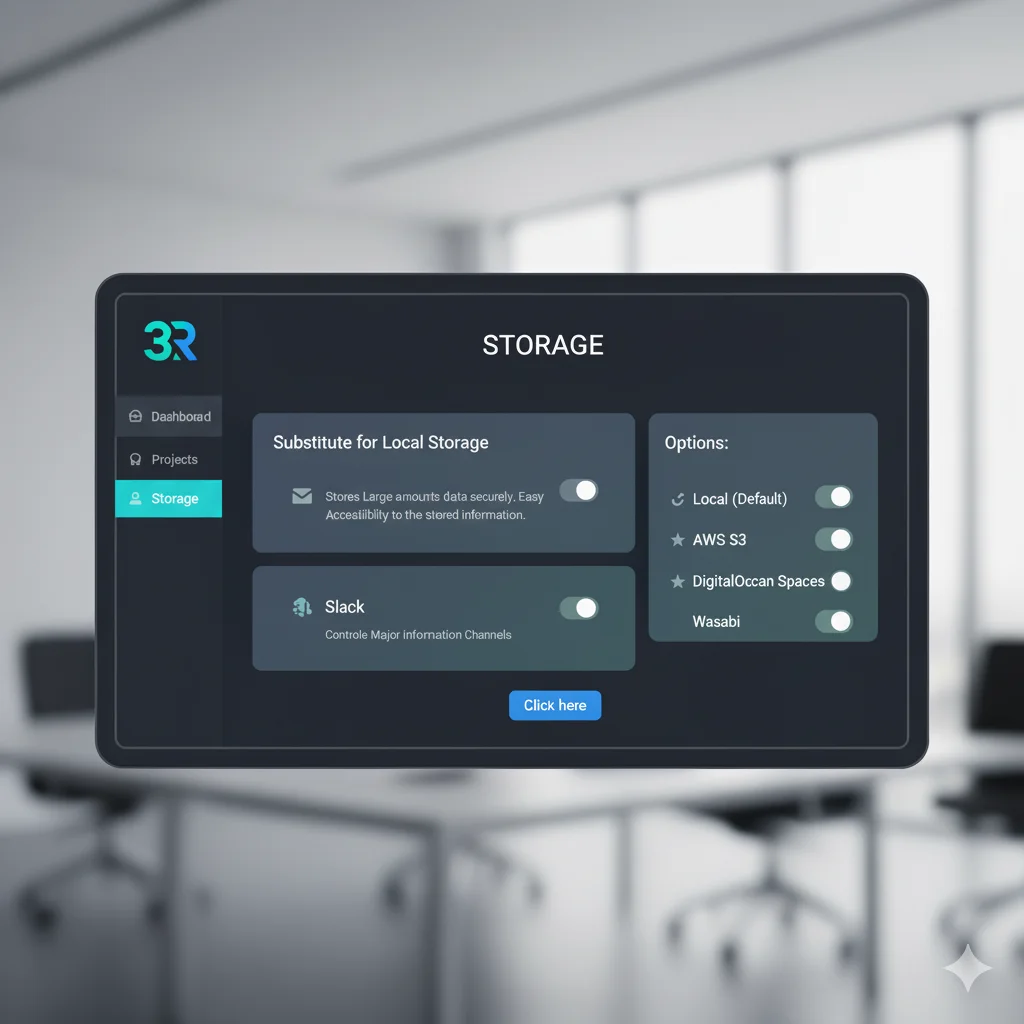
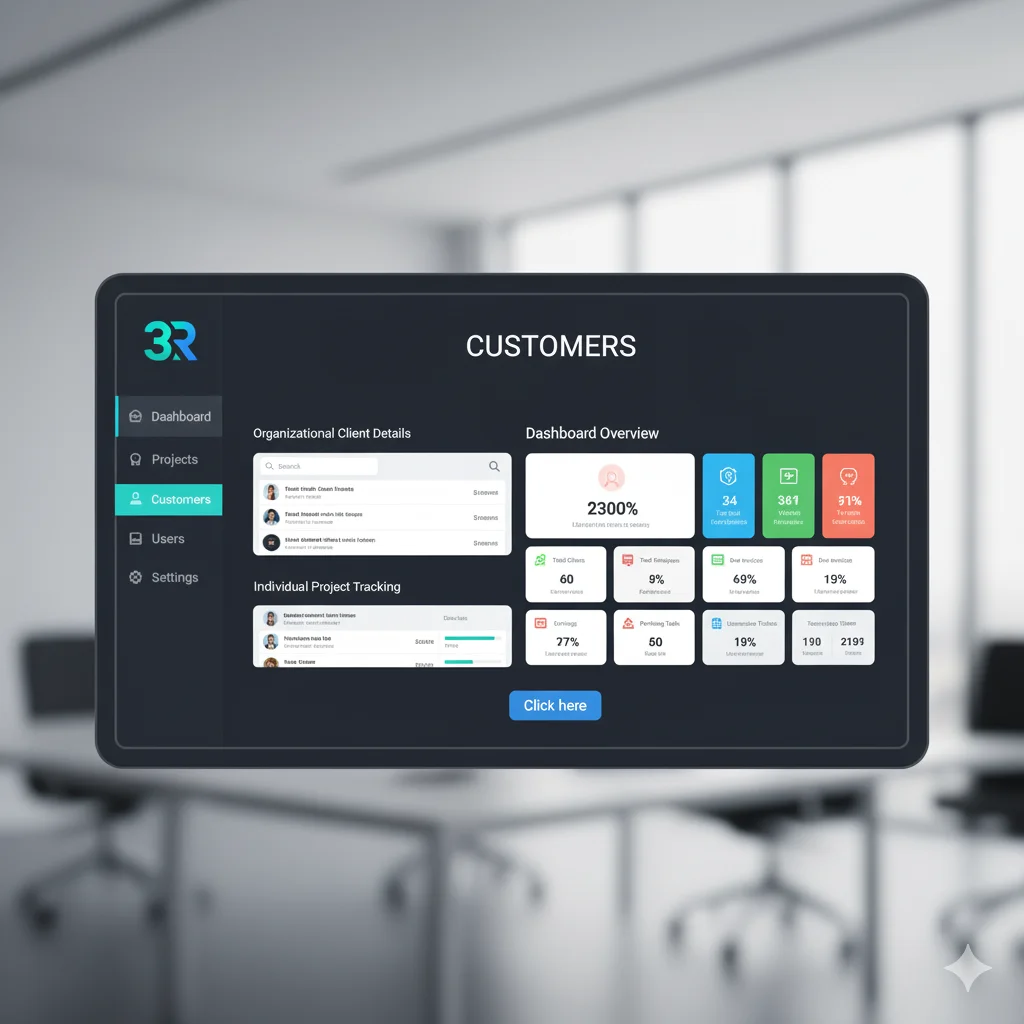
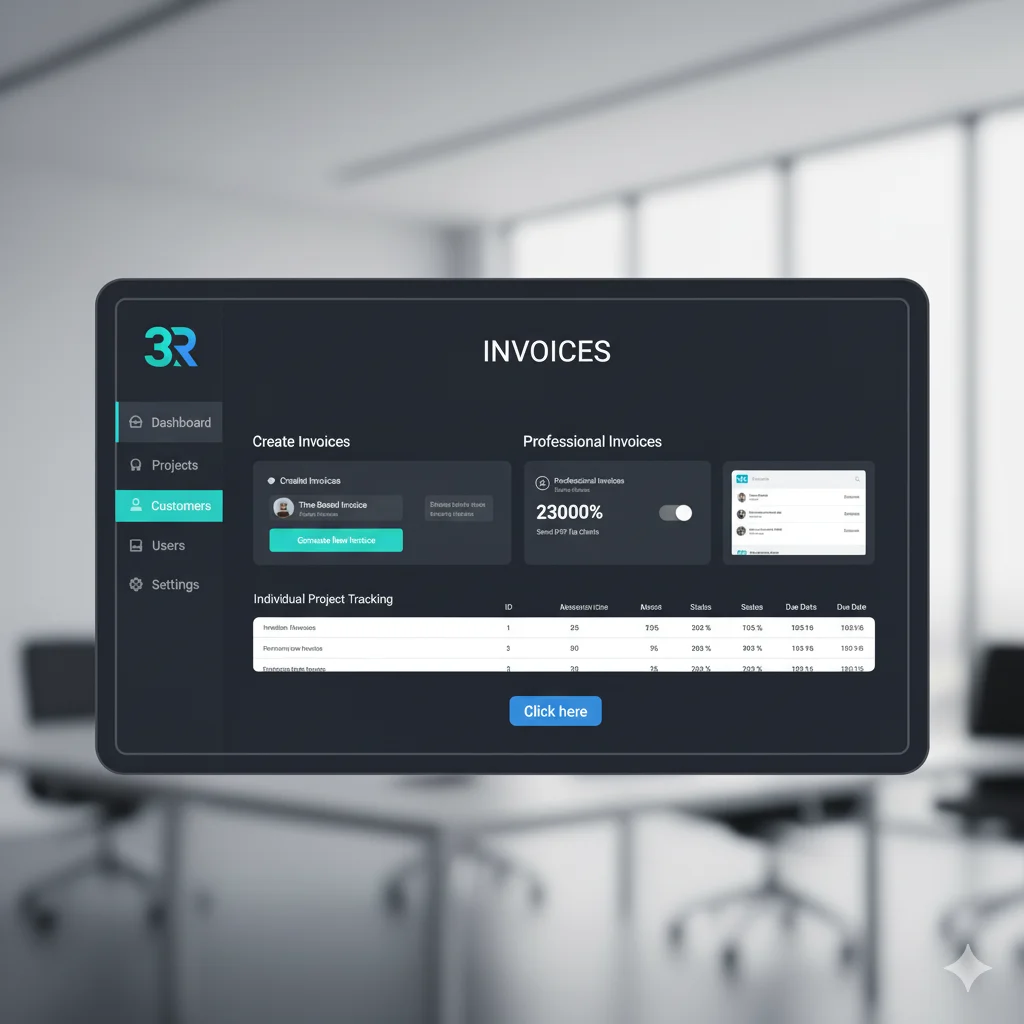
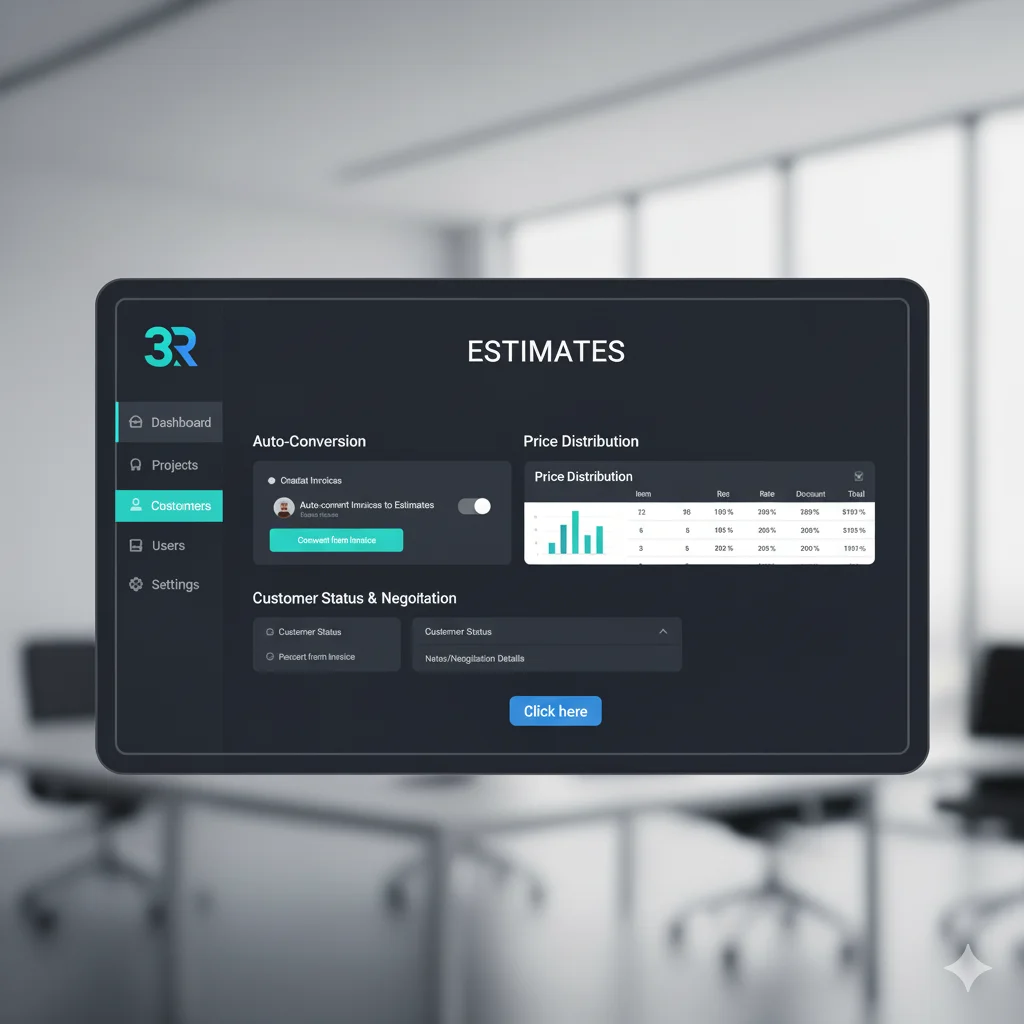
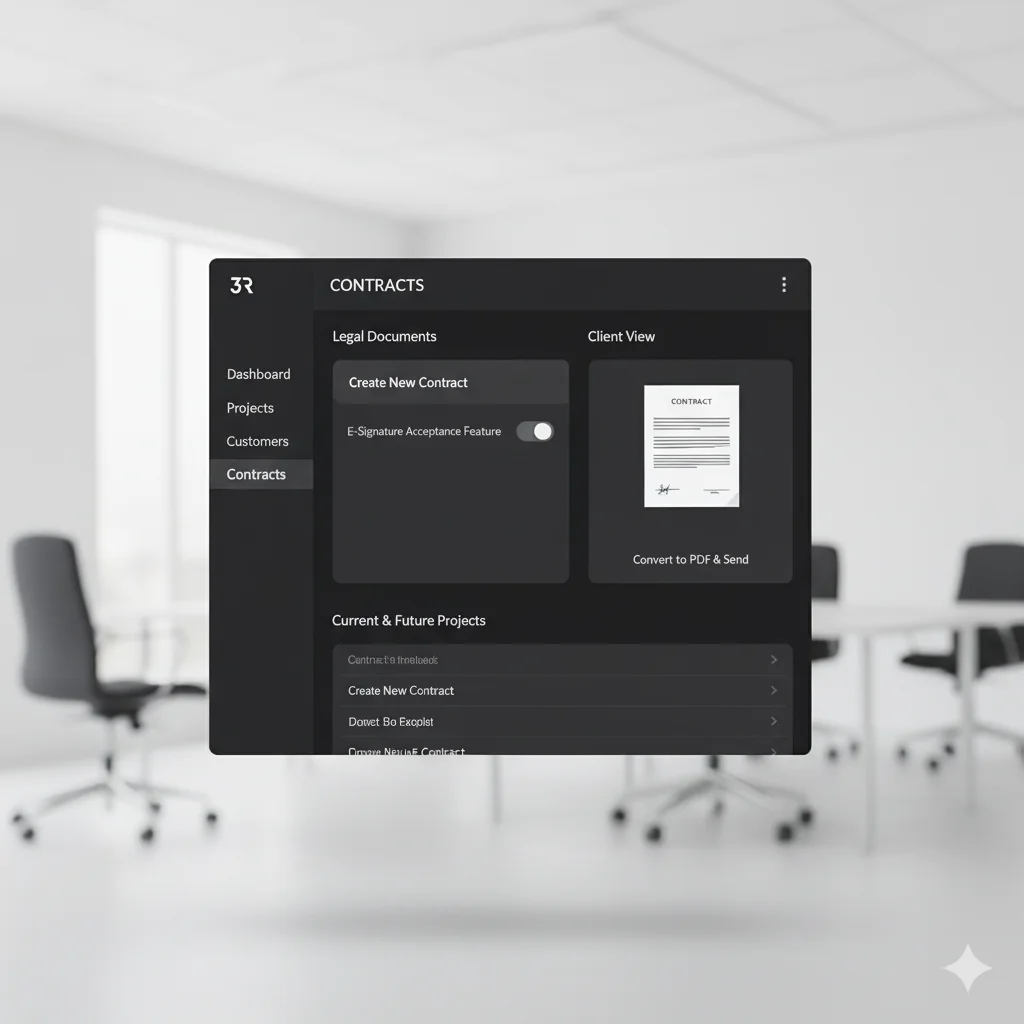
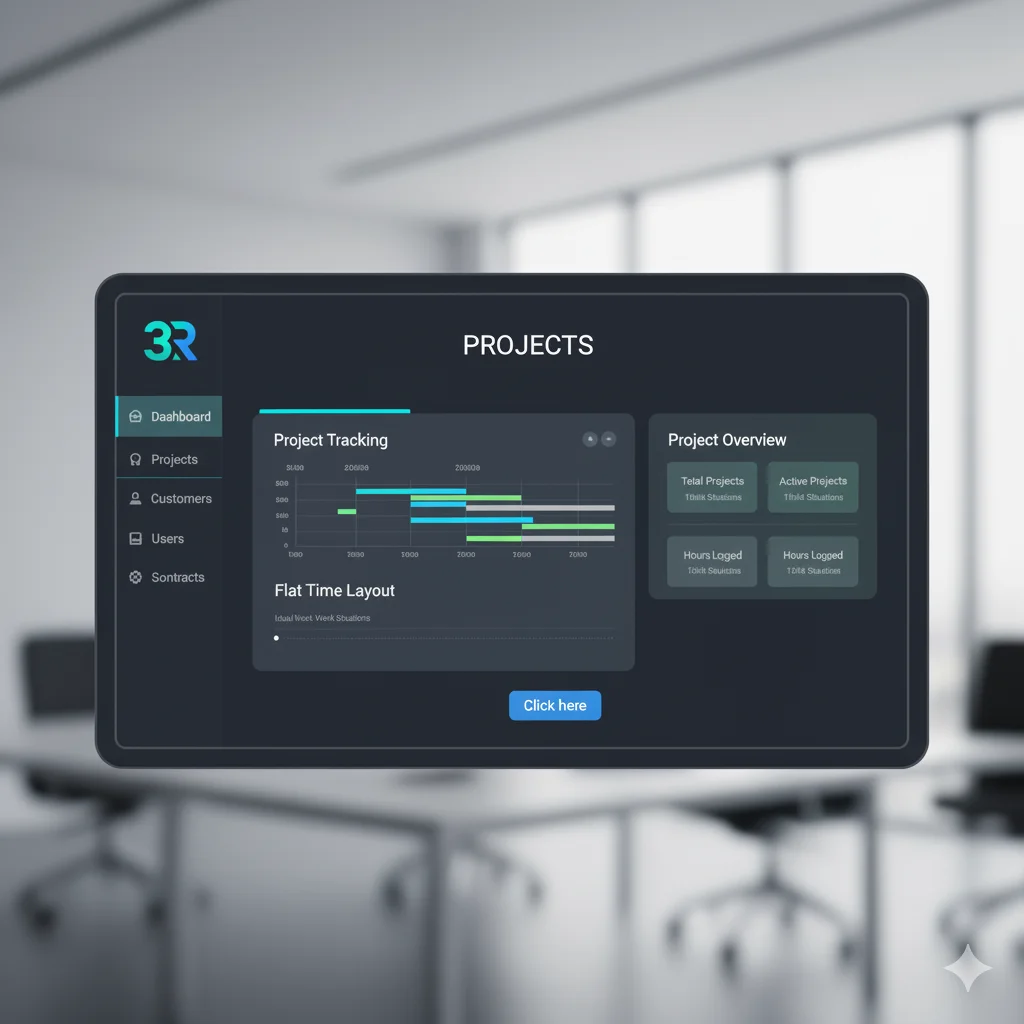
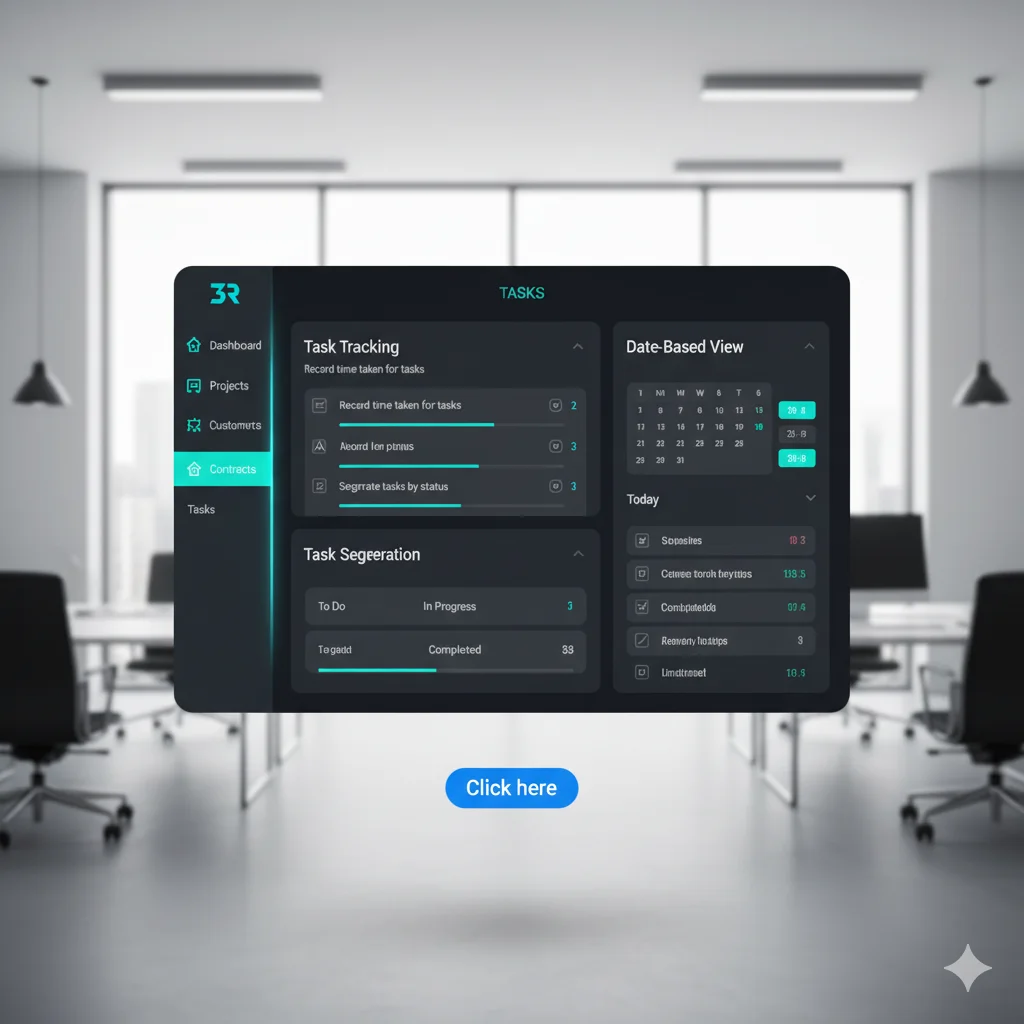
Project Management System The Best Real Estate CRM Recently Added Features – SMS Message Send and receive SMS messages. Email Template Create and use email templates. Team Member Manage team members. Application Settings Configure application settings. Form Builder Create and customize forms. Lead Template Create and use lead templates. Install Integration Install and manage integrations. Reports Generate and view reports. 1. Super Admin Dashboard Manages Overall Functioning of the OrganizationProject Management under one spaceComplete Data Compilation for Team and Clients Click here 2. Packages A trial version is available for experimentation.Create your Own Package as per your client needs.Can Control Modules in a Package. Click here 3. Company Can Impersonate as Company.Update Client Package.View Company Billing. Click here 4. Front Site A comprehensive package to meet all client requirements.Multiple themes available for your convenience.Client reviews are displayed. Click here 5. Manage Front Site: Choose a theme according to your preference.Include material on the front pages of the application.Configure SEO details, Sign Up settings, Contact setting, and Social links. Click here 6. Multilingual Compatible for International Audience.Customizable as per the user’s region. Click here 7. Social Login Multi-Platform Login Facility.Easy Control over social media platforms.Credential Collection in one space.Platforms: Google, Facebook, LinkedIn, Twitter. Click here 8. Security Securing the data accessibility features.Checks threats through Artificial Intelligence.Manual and Automated Analysis for security.Two-Factor Authentication (2FA): Setup using Email or Google Authenticator.Google Recaptcha. Click here 9. Notifications Uniform Notification Formatting for Email and Slack.Controls Major Information Channels within the organization.Sets up Default Notification settings.Settings: Email, Push Notification, Pusher. Click here 10. Storage Substitute for Local Storage.Stores Large amounts of data securely.Easy Accessibility to the stored information.Options: Local (Default), AWS S3, DigitalOcean Spaces, Wasabi. Click here 11. Customers Organizational Client Details recorded.Individual Project Tracking space available.Work Relation Details with the organization.Dashboard Overview: Total Clients, Total Employees, Total Projects, Due Invoices, Hours Logged, Pending Tasks, Today Attendance, Earnings, Unresolved Tickets. Click here 12. Invoices Creating Time-Based and Recurring Invoices.Professional and Attractive Invoices generation.Mailing system with PDF Invoices to the clients. Click here 13. Estimates Auto-Conversion of Invoices into Estimates.Understandable Price Distribution Outline present.Customer status and negotiation section available. Click here 14. Contracts Legal Document for current and future projects.Easily converted into PDFs and sent to clients.Acceptance feature using E-Signatures. Click here 15. Projects Tracks the work under progress.Flat Time Layout for a project in hand.Graphical Representation of actual and ideal work situations. Click here 16. Tasks Recording the time taken for completion of tasks.Segregates the tasks into their present work status.Date-Based view of different tasks. Click here 17. Tickets Audience and company queries are raised through these tickets.Problems or Discrepancies can be addressed.Multi-Channel acceptance of Tickets.Ticket Types: Bug, Suggestion, Question, Sales, Code, Management, Problem, Incident, Feature Request.Ticket Status: Resolved, Closed, Open. Click here 18. Attendance Feature for Individual Clock In/Clock Out.Permission to mark Attendance for Yourself.Location-Based Restrictions in the attendance system.IP Address Monitoring for attendance. Click here 19. Messaging Direct Interaction amongst members and third parties with members.Discussions can be done with the concerned.One-to-One Conversation feature available. Click here 20. Events Organization’s Important Dates are marked.Specified in Individual Calendars for reminders.New Customized Events can be created by individuals. Click here Contact us Partner with Us for Comprehensive IT We’re happy to answer any questions you may have and help you determine which of our services best fit your needs. Call us at: +91-8793993997 Your benefits: Client-oriented Independent Competent Results-driven Problem-solving Transparent What happens next? We Schedule a call at your convenience We do a discovery and consulting meting We prepare a proposal Schedule a Free Consultation First name Last name Company / Organization Company email Phone How Can We Help You? - - Select - - Artificial Intelligence & Software Development Digitalisation & Industry 4.0 Solutions Data Analytics & Business Intelligence Outsourcing & Staffing Solutions Web, Cloud & App Solutions AI Bots & Automation Restaurant Manager Marketing CRM Production ERP Billing & POS System Business ERP Project Management System Accounting & Billing Tool Office Management Tool Hospital Management System Dashboard Manager Billing Counter Visitors Management Message Submit